Web catalog
An online catalog for any business
Pick a template, add your products and share your link: orders reach you on WhatsApp.
Your catalog with the same stock as your WooCommerce and your Mercado Libre, and an inbox so no order gets lost.
+99 customizable templates · 31 business types · free up to 50 products · no commissions
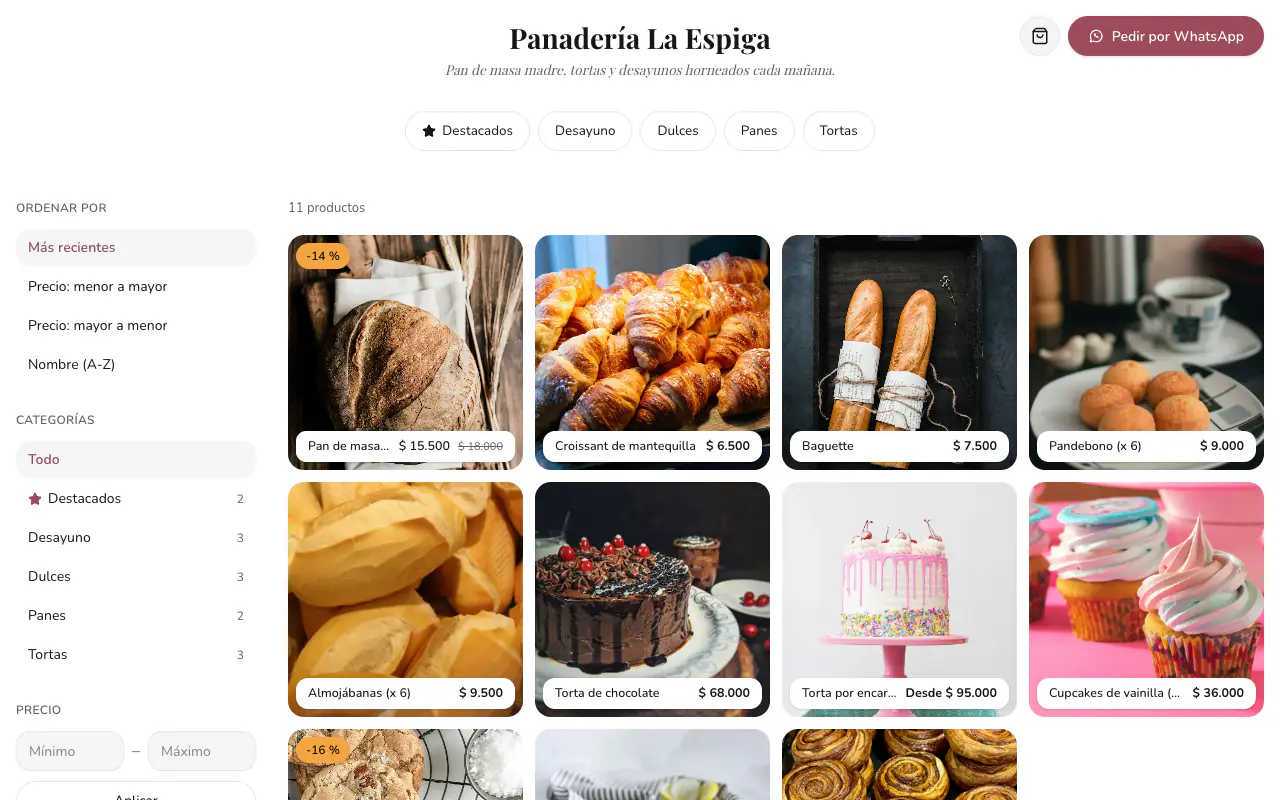
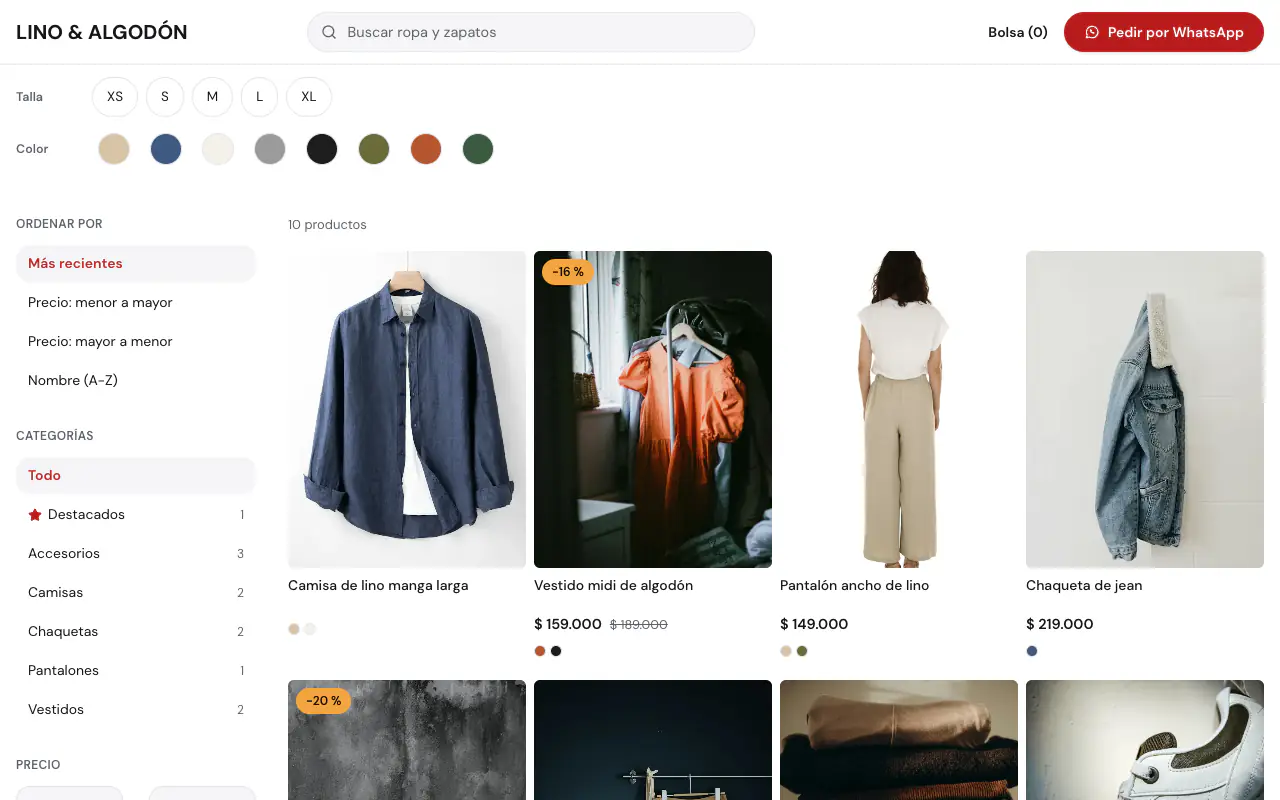
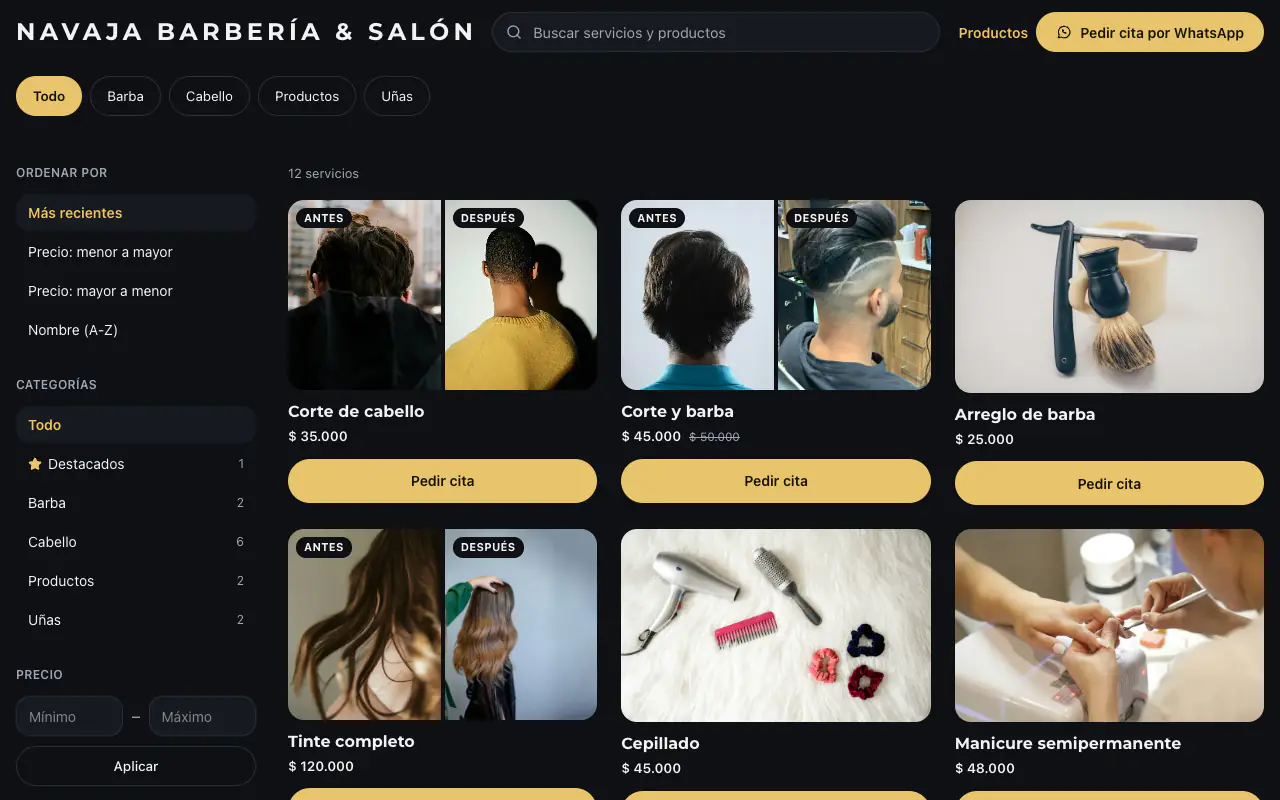
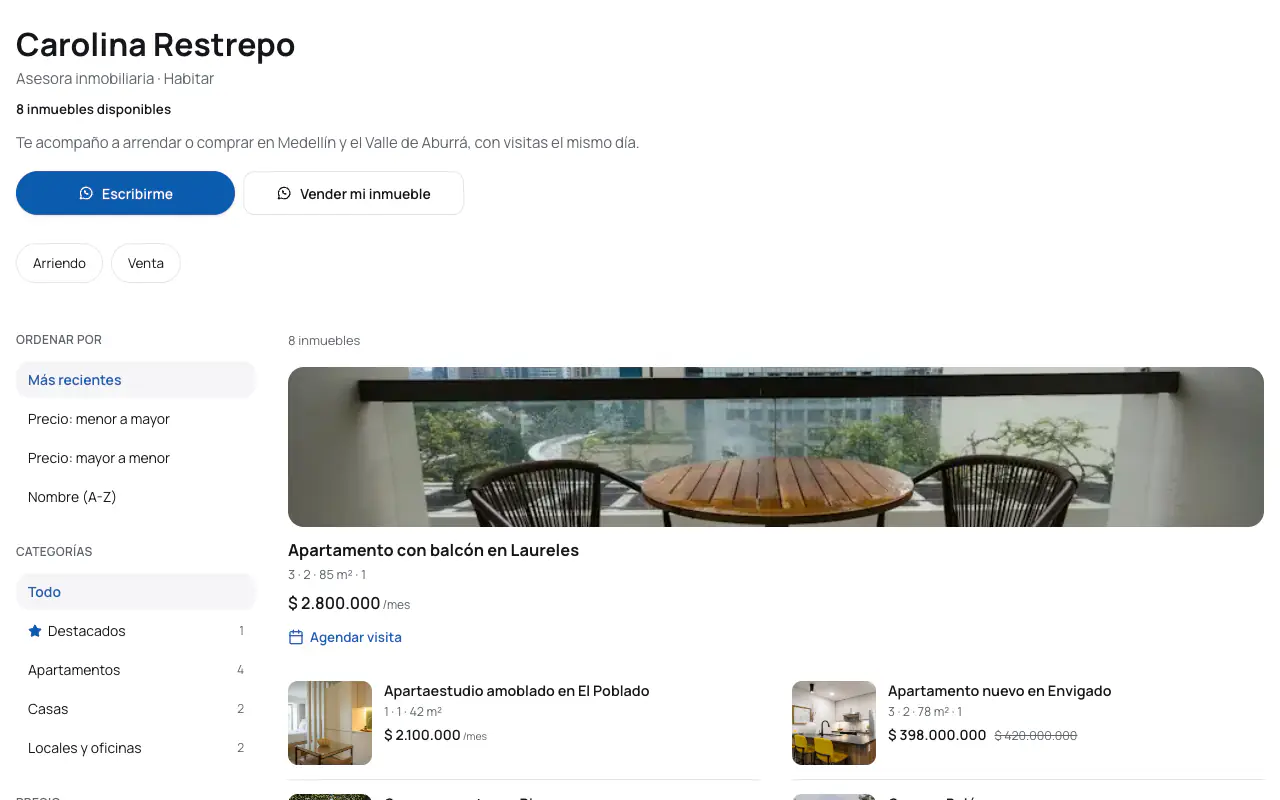
Where do you sell today?
Keep selling on Mercado Libre or wherever you already sell. Add your own catalog with the same stock.
Selling on your link and on Mercado Libre at the same time? Koalab takes the stock off both. And the customers who already know you, you bring to buy on your link.
- Connect Mercado Libre or WooCommerce and your products come in on their own. If you sell on another platform, upload them in a spreadsheet and add one more channel.
- No overselling: a sale on one side comes off the other
- Put your link on the package, the invoice or your WhatsApp: on your catalog, Koalab charges no commission per sale
Your WhatsApp catalog, also as a link for statuses, groups and Google.
Use it alongside your WhatsApp Business: the order reaches your chat complete, with the total and the delivery method, and stays in your inbox so none gets lost among voice notes and messages.
- Share it where WhatsApp doesn't reach: Google, Instagram, your business card
- Orders with statuses, and we let you know about the ones still undelivered after a day
- From Basic, your products also in the WhatsApp catalog
We guide you step by step
You can leave a step for later and come back whenever you like.
- 1
The basics
Your business name, your catalog's link and what kind of business you have.
- 2
Your brand
Your logo and your colors.
- 3
Contact
Your WhatsApp and your details.
- 4
Payment and delivery
Your payment methods, shipping and opening hours.
- 5
Products
Choose which products you want to show.
- 6
Publish
Done! Now your customers can find you and buy from you more easily.
Do you offer services, appointments or classes? You can also set up your booking calendar and your hours.
Everything your catalog does
Orders, coupons, bookings and your brand, with no commission on sales.
Take orders
The cart, to your WhatsApp
FreeThey pick size, color and quantity, and send you the order with the total.
Orders
FreeFollow every order: «New», «Preparing», «On the way», and «Delivered».
Orders out of hours
FreeEven when you're closed, your catalog keeps serving. You choose: take the order and tell your customer when you'll reply, let them pick when they want it, or show them what time you open.
Discount coupons
FreeDiscount codes for your customers.
Prices by quantity
From BasicA discount for buying more units.
Your brand
+99 templates
FreeMade for each business type. Customize its colors, fonts, texts and photos, and change it whenever you like.
Remove the Koalab logo
From BasicYour catalog, with only your brand.
Use your own domain
From BasicYour catalog on your own .com, like shop.mybrand.com.
My templates
From BasicBuild your own block by block: from one of ours or from scratch.
Custom CSS
From ProfessionalIf you know web design, fine-tune every detail.
Get found
How Google sees you
FreeYou choose how Google shows you, and every product gets its own page.
QR code
FreeFor your shop, packaging or flyers: it opens your catalog with the camera.
Catalog as a PDF
From BasicWith a cover, your colors and your prices, to send or print.
Pixel and Analytics
From BasicMeasure your visits with your Meta pixel and Google Analytics.
Google Shopping
FreeYour products free on Google, if you ship or hand them over at your place.
Your catalog on WhatsApp and Instagram
From BasicYour products in your WhatsApp Business and in your ads.
Bookings and services
Agenda
FreeYour customers pick a day and time, then write to you on WhatsApp.
Team
From BasicEach person with their services and hours; your customers choose who.
Class schedule
FreeYour classes with their time, who teaches them and the places left.
With your other stores
The same stock as your other stores
FreeDeliver an order and the stock goes down everywhere.
You choose what shows
FreeWhat you bring in from another store stays hidden until you show it.
Know your customers
Statistics
FreeVisits, sales and what's viewed most in your catalog.
Reviews
FreeReviews from your customers; you decide which ones get published.
Repurchase reminders
From StarterYour customers ask you to remind them to buy again, and Koalab tells you when.
Customers
FreeYour customer list, with their consent.
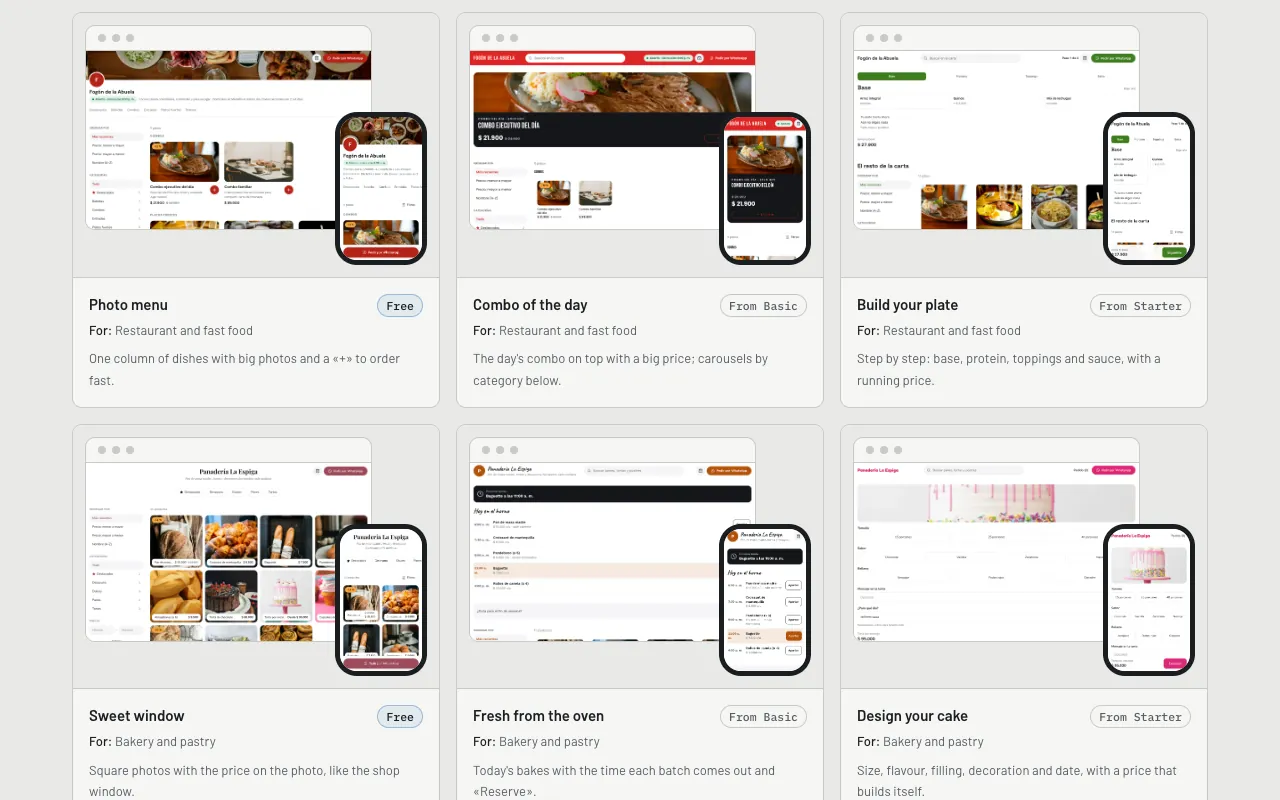
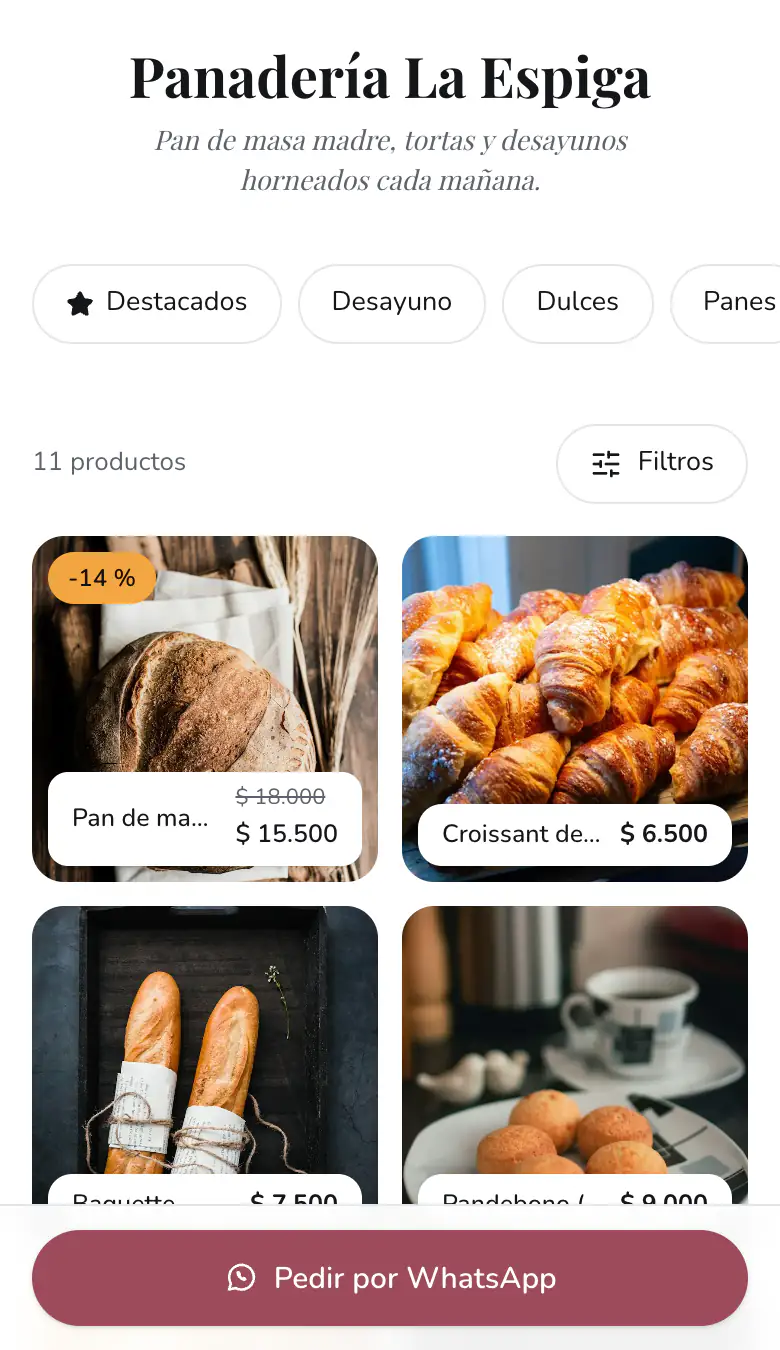
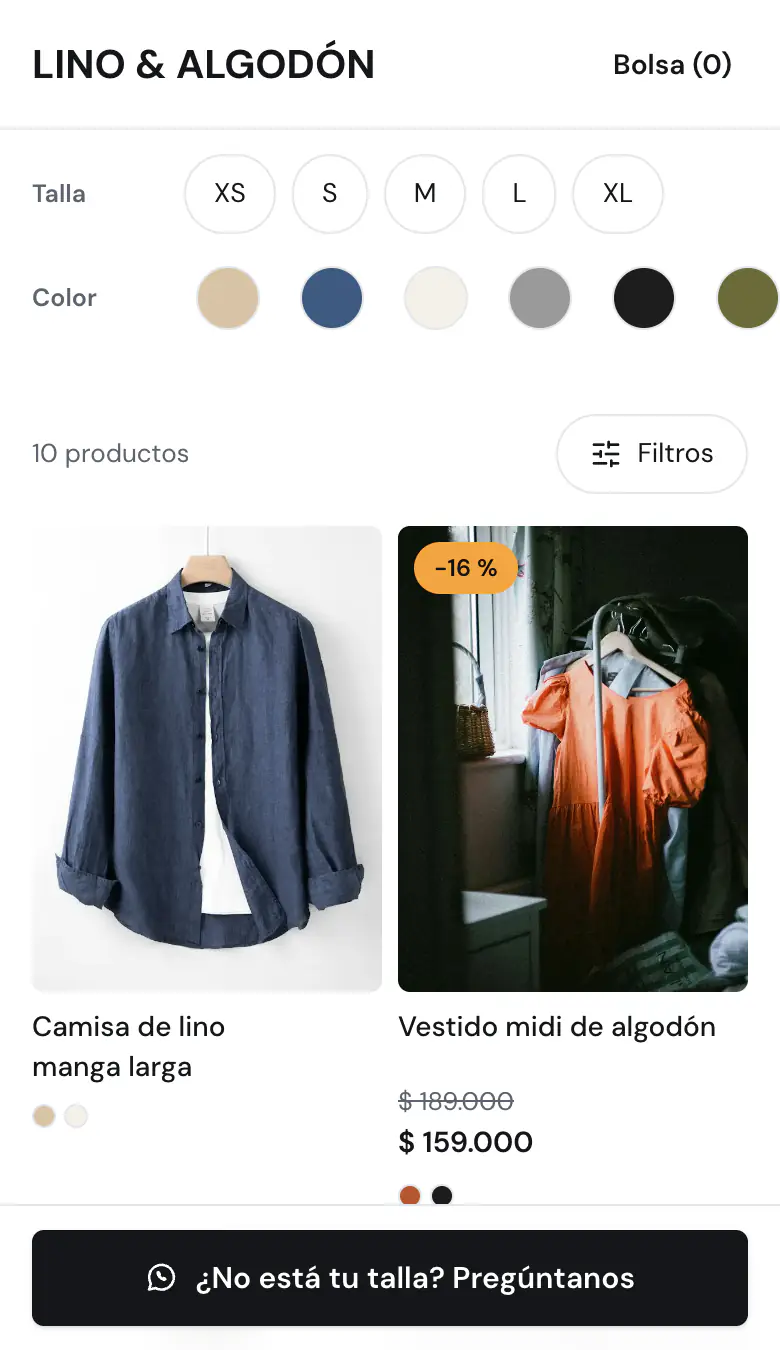
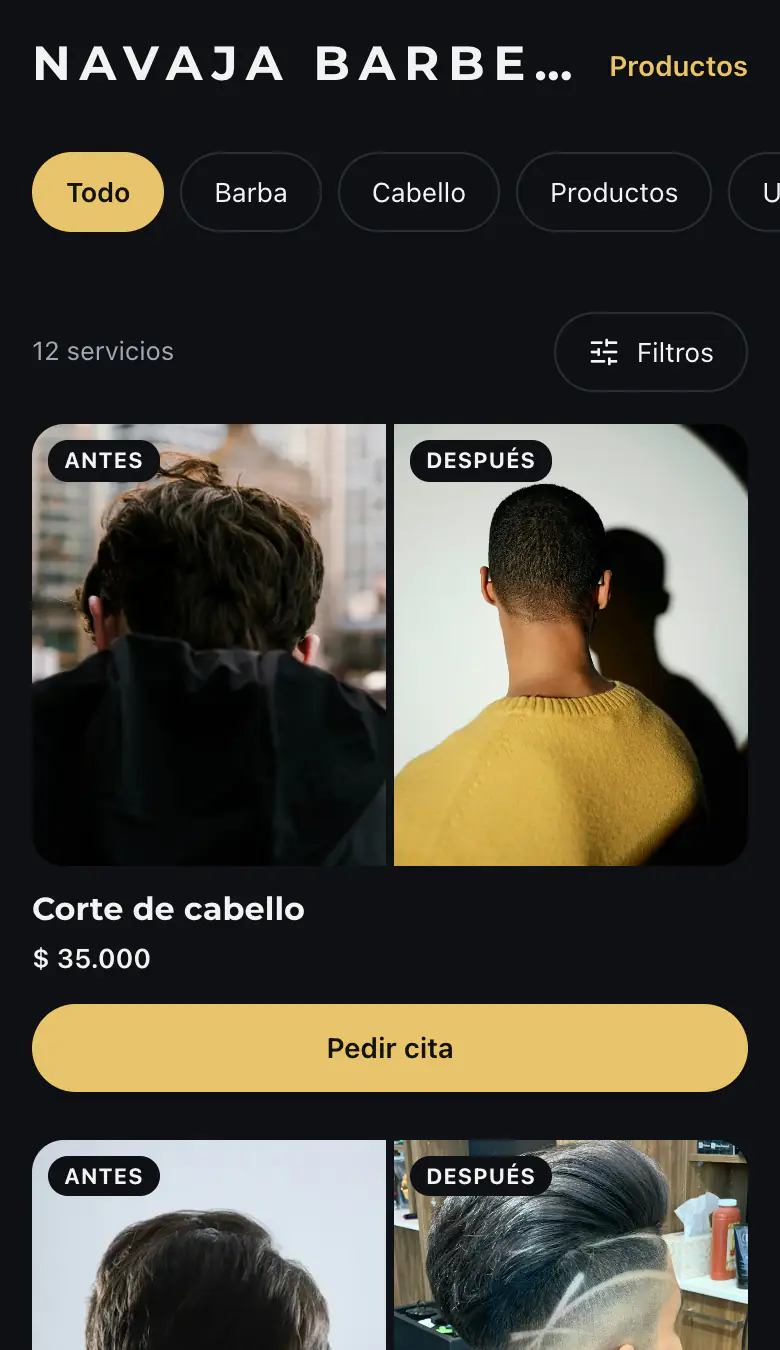
Templates for every business
Make it match your brand and change it whenever you like: your products stay.
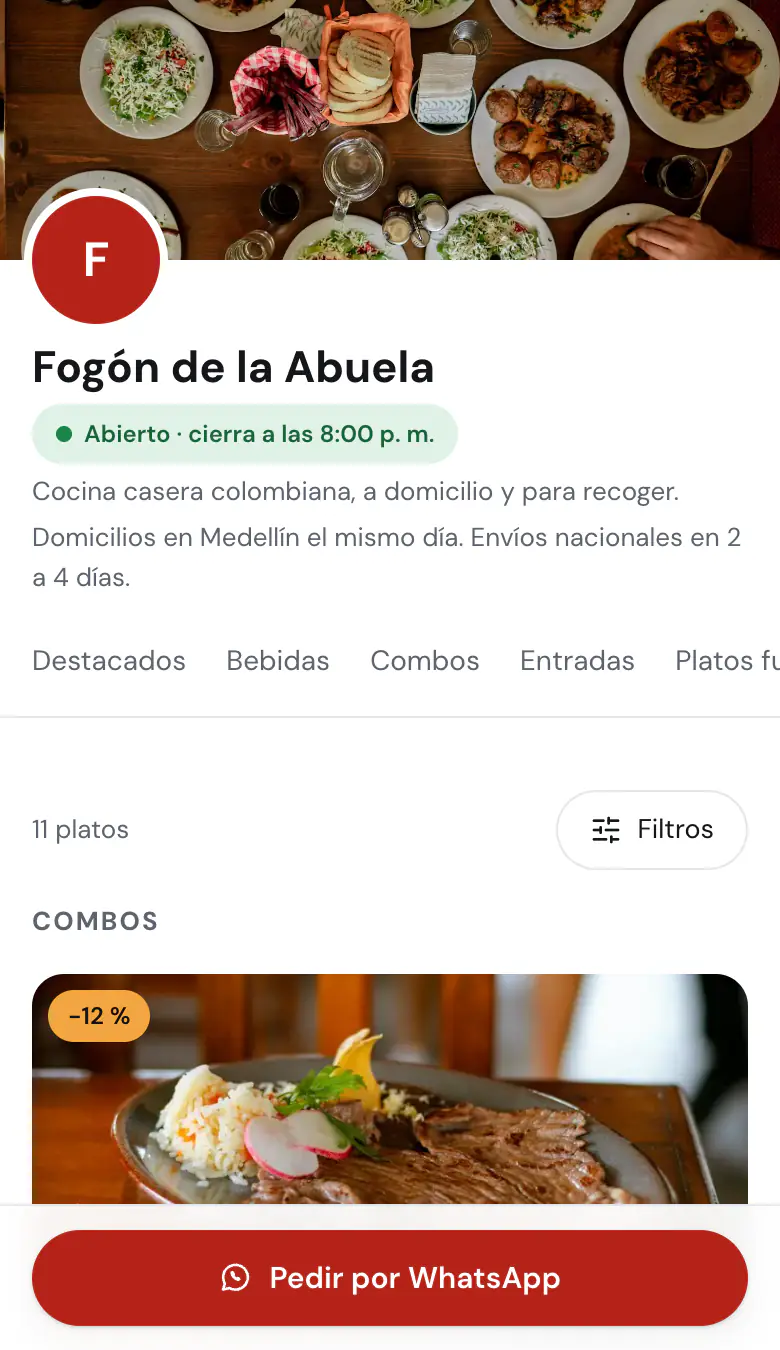
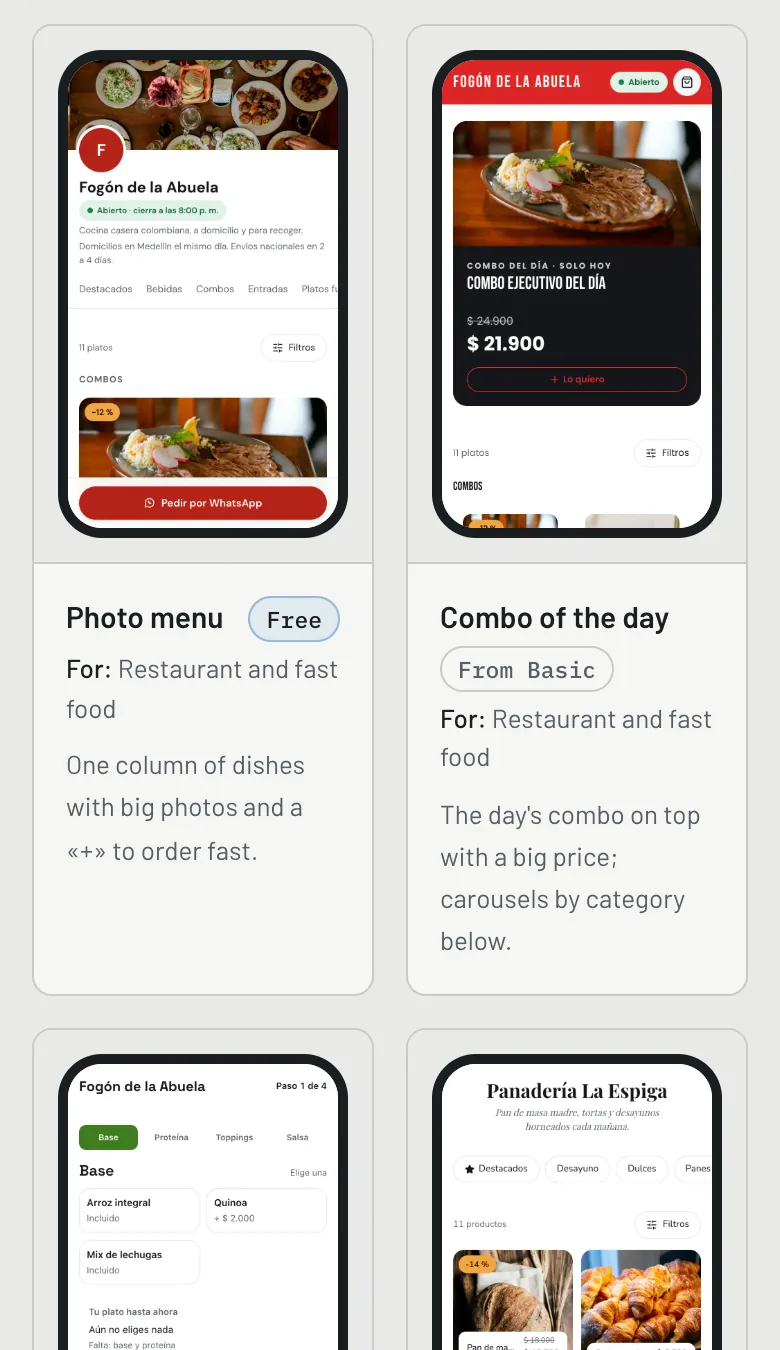
Photo menu
Restaurant and fast food
Free
Lookbook
Clothing and footwear
From Basic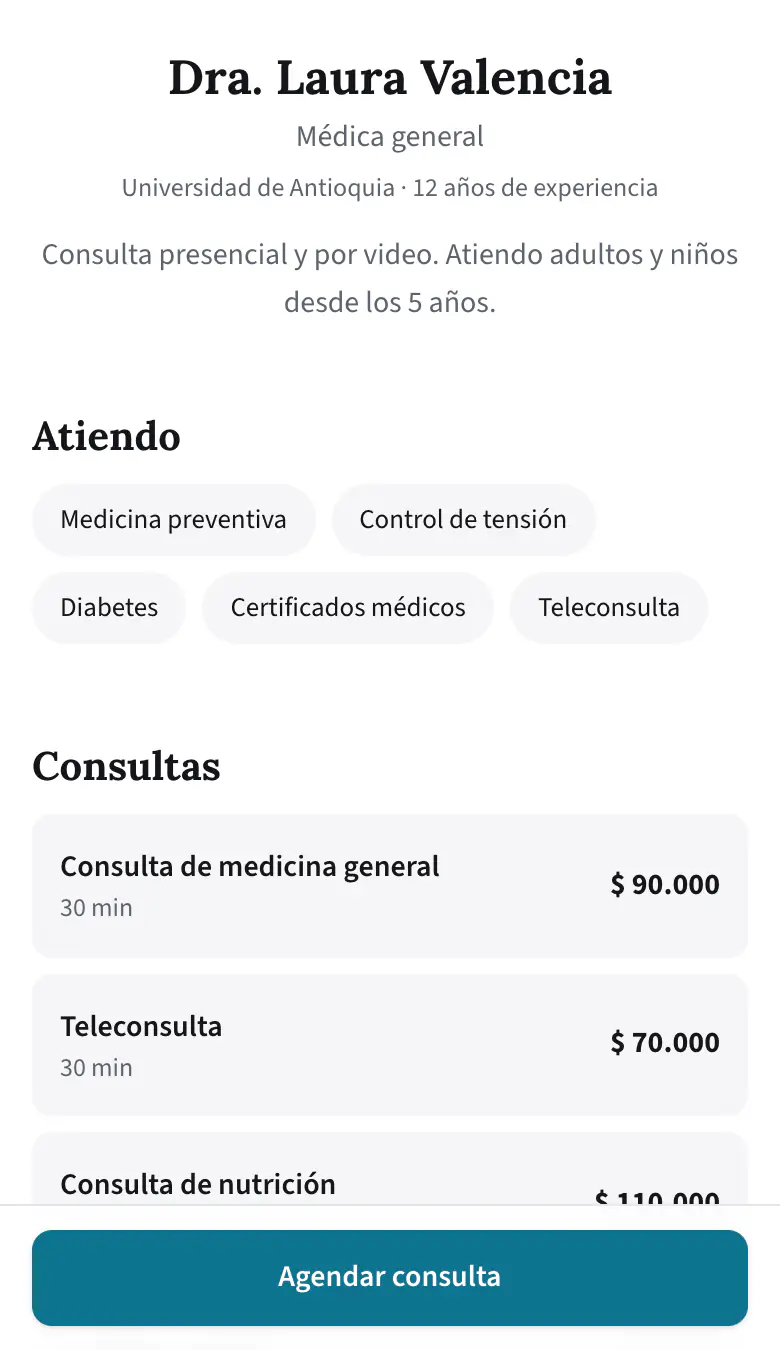
Professional profile
Health and wellbeing
Free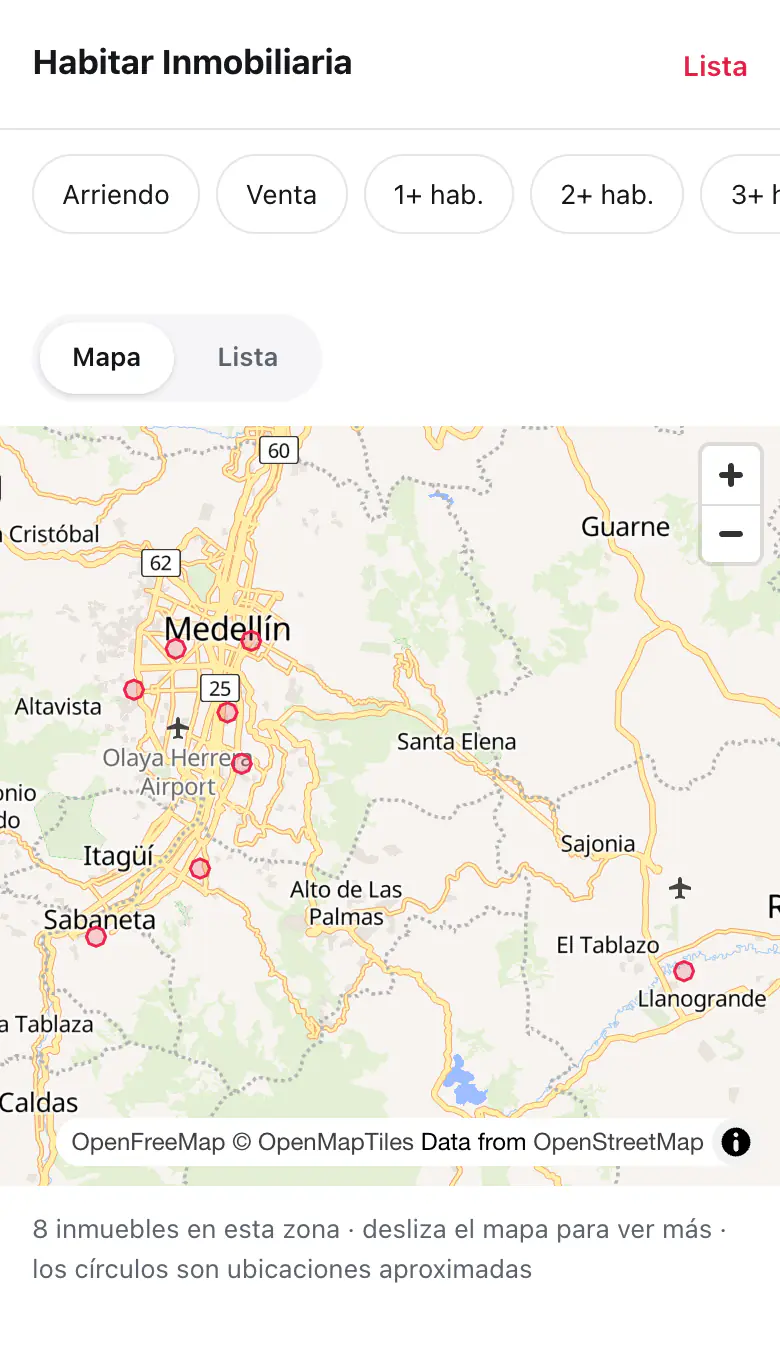
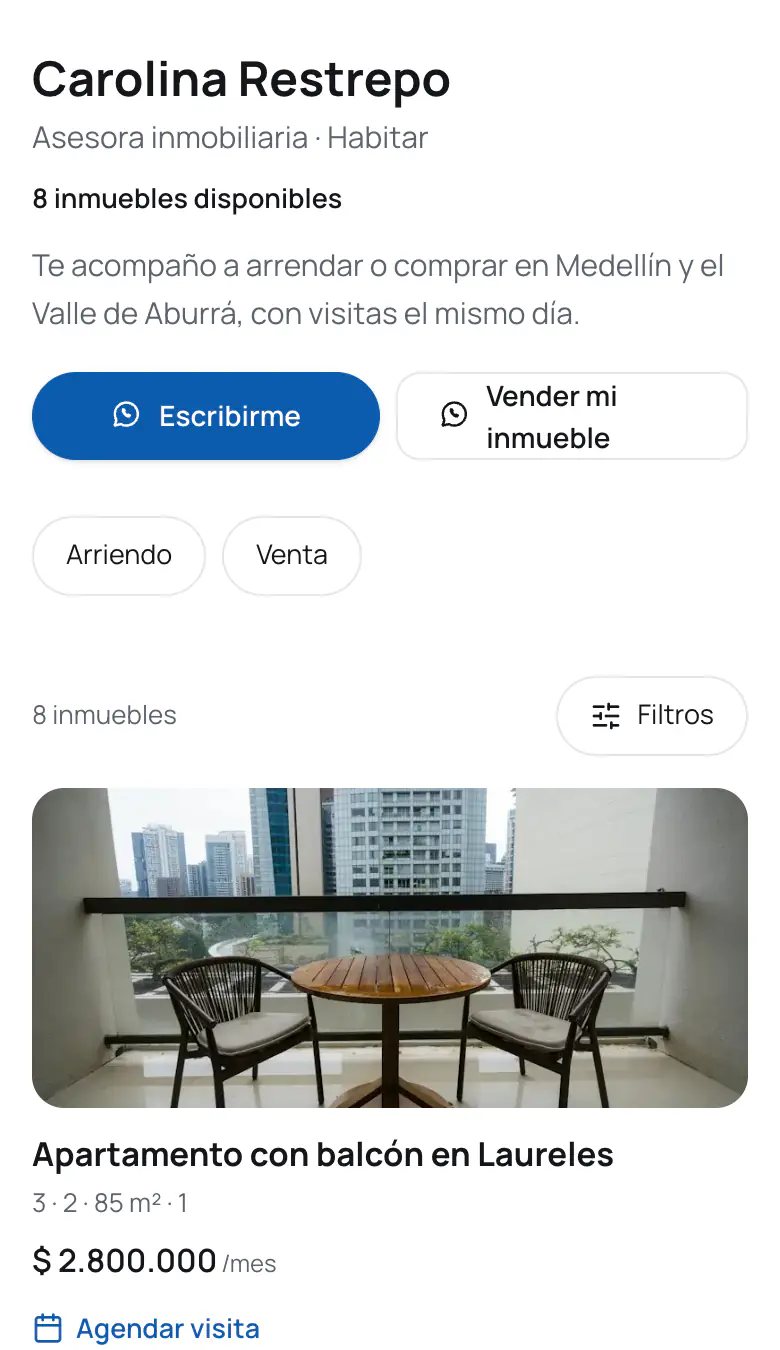
Map and list
Property for sale or rent
From Starter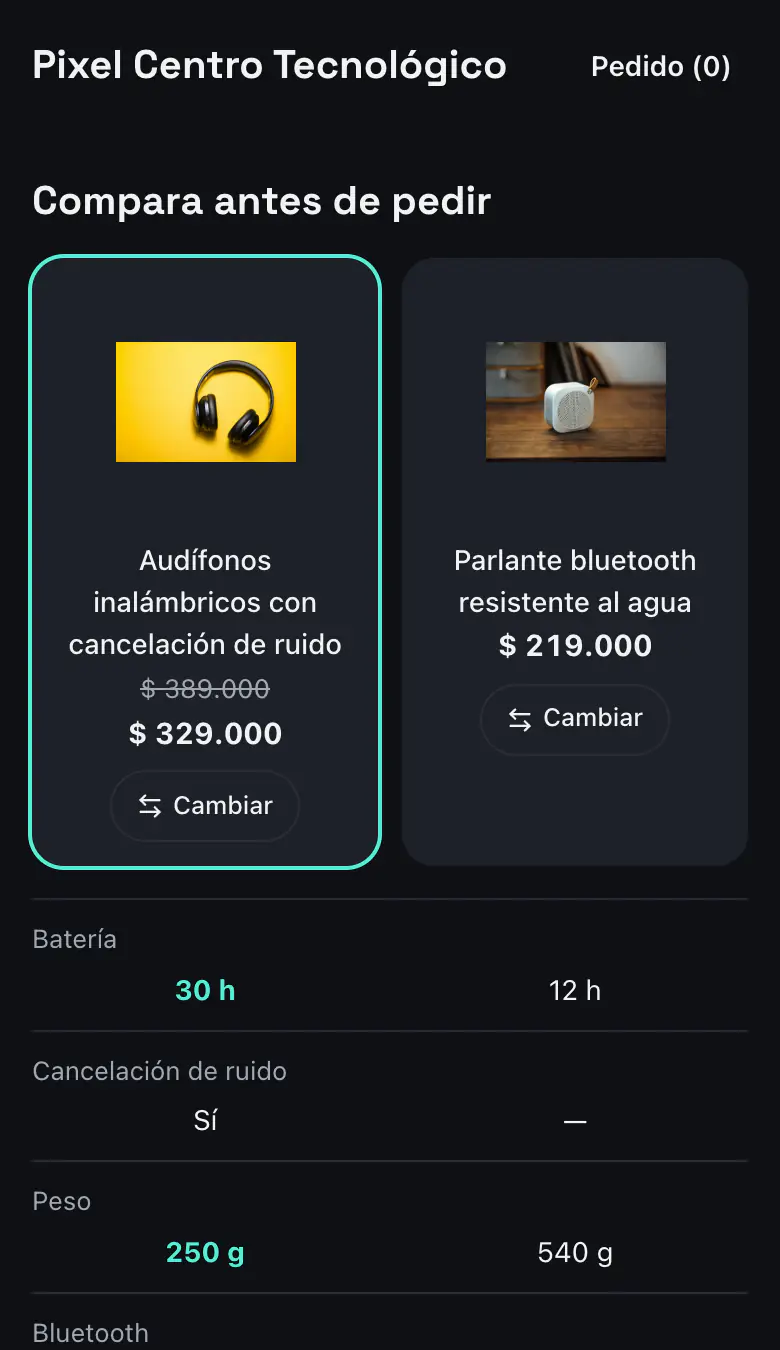
Compare
Tech and phones
From Starter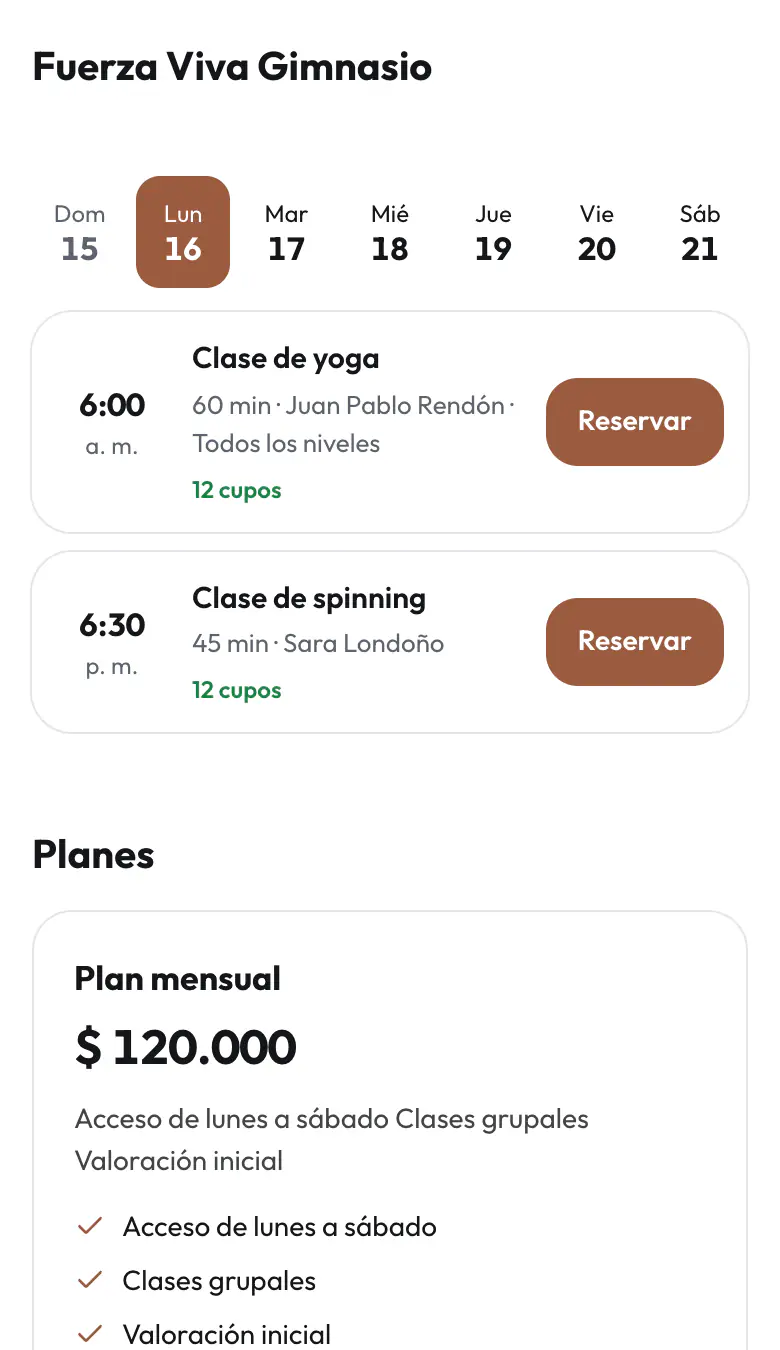
Class timetable
Gym, yoga and training
From Basic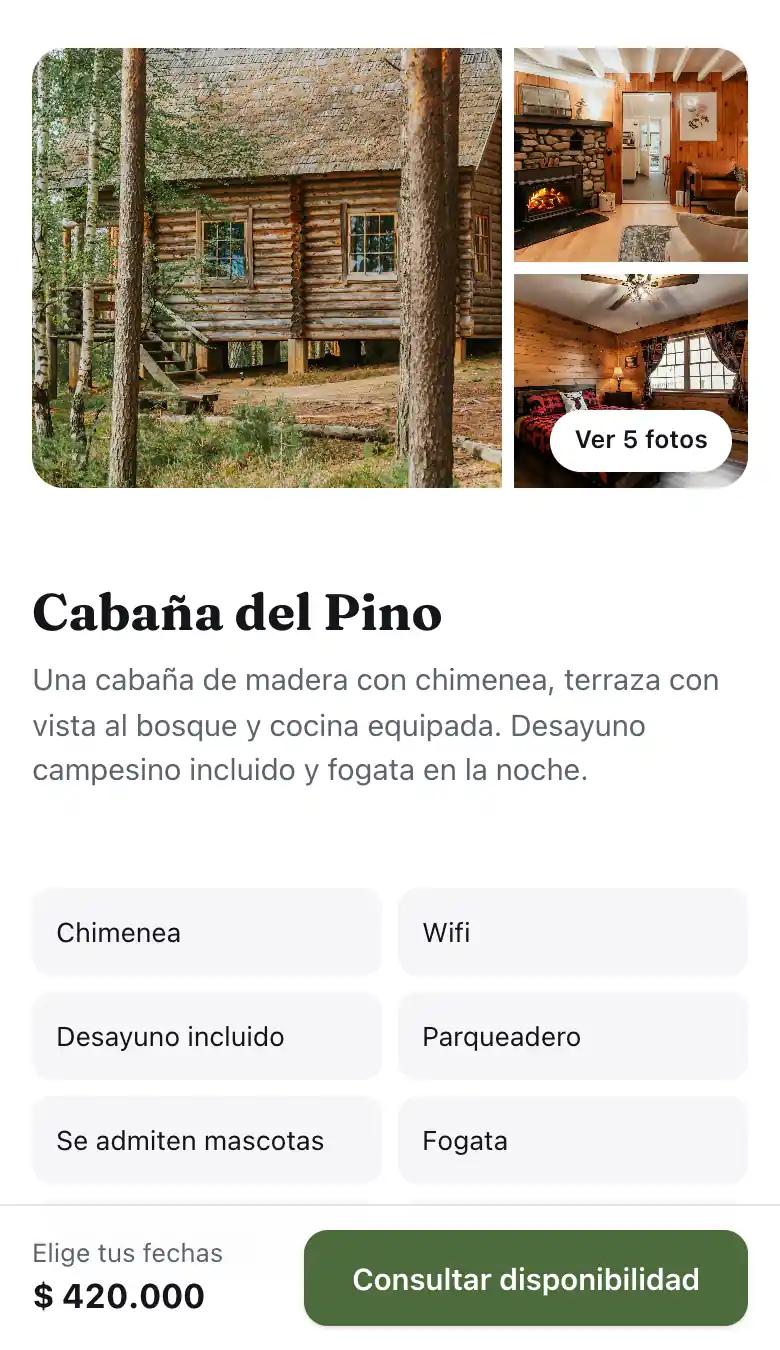
Your cabin
Stays: cabins, glamping and hostels
Free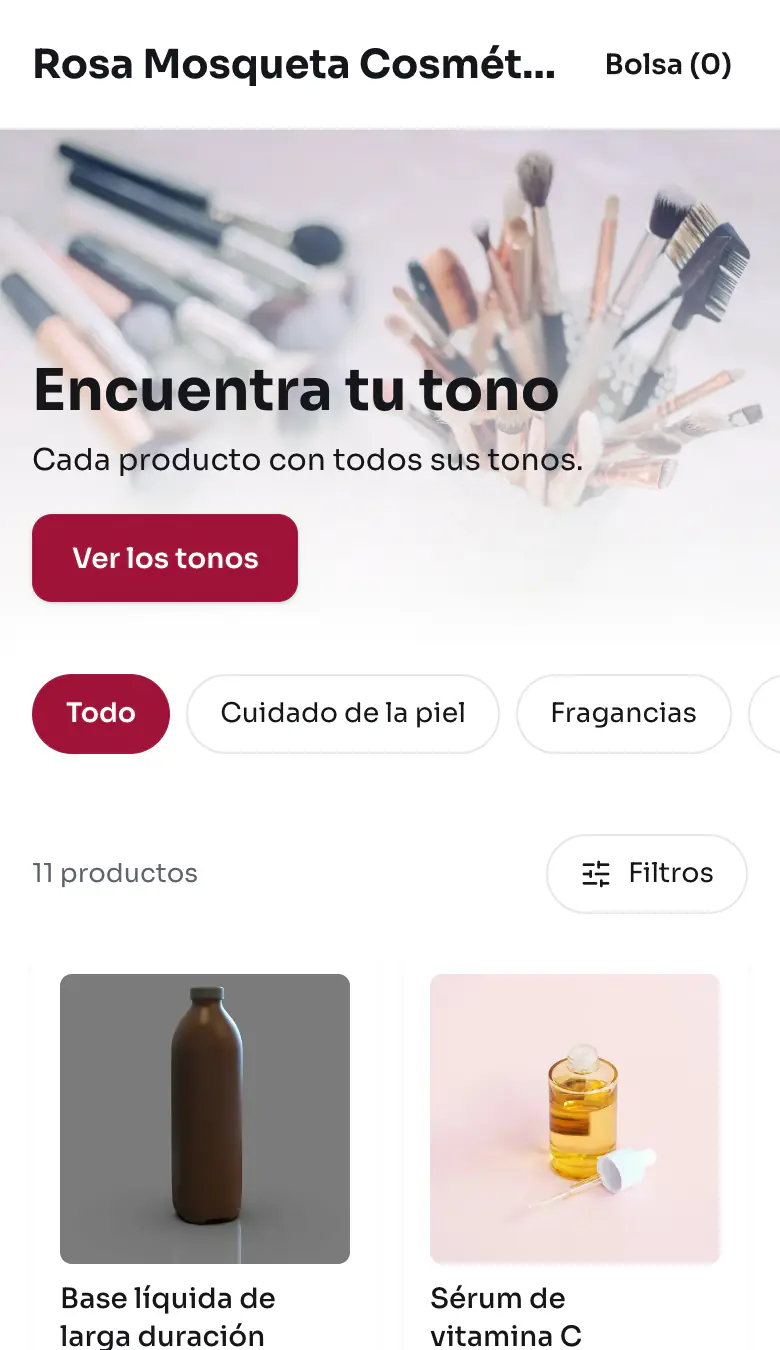
Find your shade
Beauty, makeup and fragrance
From Starter
What each plan includes
Start free and move up when you need to.
| Web catalog | Free | Basic | Starter | Professional | Business |
|---|---|---|---|---|---|
| Web catalogs | 1 | 1 | 2 | 5 | 15 |
| Web catalog products | 50 | 500 | 1,000 | 10,000 | 100,000 |
| Without the Koalab logo | — | Included | Included | Included | Included |
| Web catalog templates | Three or more for your business | Your business's | All of your business's | All of your business's | All of your business's |
| Own templates | — | 1 | 2 | 20 | 20 |
| Own CSS | — | — | — | Included | Included |
| Own domain | — | Included | Included | Included | Included |
| Catalog on WhatsApp and Instagram | — | Included | Included | Included | Included |
| Discount coupons | Included | Included | Included | Included | Included |
| Active coupons per web catalog | 2 | No cap | No cap | No cap | No cap |
| People on the per-person agenda | — | 3 | 10 | 20 | 20 |
| Classes on the class timetable | 5 | 80 | 80 | 80 | 80 |
| Repurchase reminders | — | — | Included | Included | Included |
| Web catalog statistics days | 30 days | 60 days | 90 days | 90 days | 90 days |
| Most viewed products | Included | Included | Included | Included | Included |
Learn to use it
All tutorials- Create your web catalogThe step-by-step: name and link, your brand, contact, payment and delivery, your products and publishing, and how to come back to it.
- Web catalog template and designWhat you sell, the template and its content, My templates with your own CSS, and your logo, cover, colors and typeface.
- Which products your web catalog showsShow or hide products and prices, “Show all”, what arrives from a channel and your plan's cap.
- Button, cart and orders on WhatsAppWhere each product's button leads, your number, the cart and the details you ask for with the order.
- Web catalog delivery, payment and hoursDelivery areas, pickup, free delivery, minimum order, delivery windows, payment methods by country, hours and orders out of hours.
- Web catalog orders: inbox and statusesOne inbox for the orders of all your catalogs, their statuses and what happens to stock when you mark them delivered.
- Agenda, team and classesAppointments in your free times, an agenda for each person on your team and the class schedule with its spots.
- Coupons and prices by quantityDiscount codes for the cart, with their limits, and discounts for buying more units.
- Share: QR, PDF, Google and pixelThe QR code and the catalog as a PDF, how Google sees you, Google Shopping, your pixel and seeing it on your phone before publishing.
- Your catalog on WhatsApp and InstagramConnect your web catalog with Meta to show your products in your WhatsApp Business and in your Instagram ads.
- Address and own domainChange your catalog's address, how many times every 30 days, and connect your own domain.
- Statistics, reviews and customersVisits and sales of your catalogs, your customers' reviews, your customer list and repurchase reminders.
- Several web catalogsWhen it's worth having more than one, what they share, how many your plan allows and how to delete and restore one.
Frequently asked questions
Does Koalab take a commission on sales?
No. You only pay your plan if you pick a paid one, and your customers pay you directly.
Can I use my own domain?
Yes, on any paid plan. You connect it in «Name and link», under «Use your own domain».
Is there a limit on visits?
No, not on any plan. If we see abuse or automated traffic we may limit that catalog, as section 11.2 of the Terms says.
How do my customers pay me?
In the cart they choose how to pay you —bank transfer, cash or a digital wallet— and see your details on their order's page. Koalab neither charges nor receives that money.
Do I need an online store?
No. You create your products in Koalab or upload them in a spreadsheet. If you already sell on WooCommerce or Mercado Libre, the catalog uses the same products and the same stock.
Why pay if the WhatsApp Business catalog is free?
You can use both. WhatsApp Business started removing its order tools on November 15, 2026; the catalog and the cart remain. Koalab gives you the orders inbox with statuses —to handle, on the way, delivered— and the same stock as your stores.
What if I don't have a credit card?
Starting on the Free plan asks for no card. For a paid plan you can use a debit or credit card, Google Pay or Apple Pay. If you have none of those, write to us and we'll agree on another way to pay, such as PayPal or a bank transfer.
Create your catalog today
Free, no card and no commissions.